01 / ASSETS
See your digital assets
Keep an eye on assets from supported networks in one wallet experience.
Your browser, open to Web3
A browser wallet for exploring digital assets and Web3 experiences across Cardano, Bitcoin and Midnight.

Explore across
Made to explore
Lace brings useful wallet tools together, so you can manage assets and take part in the communities and applications built around them.
01 / ASSETS
Keep an eye on assets from supported networks in one wallet experience.
02 / CARDANO
Explore Cardano stake pools and delegate your ada from the wallet.
03 / CONNECT
Use the Lace DApp connector to access Web3 apps and services.
04 / COLLECT
View and manage supported digital collectibles alongside your assets.
Features and network availability can change. Check the official Lace features page for current details.
A lighter way in
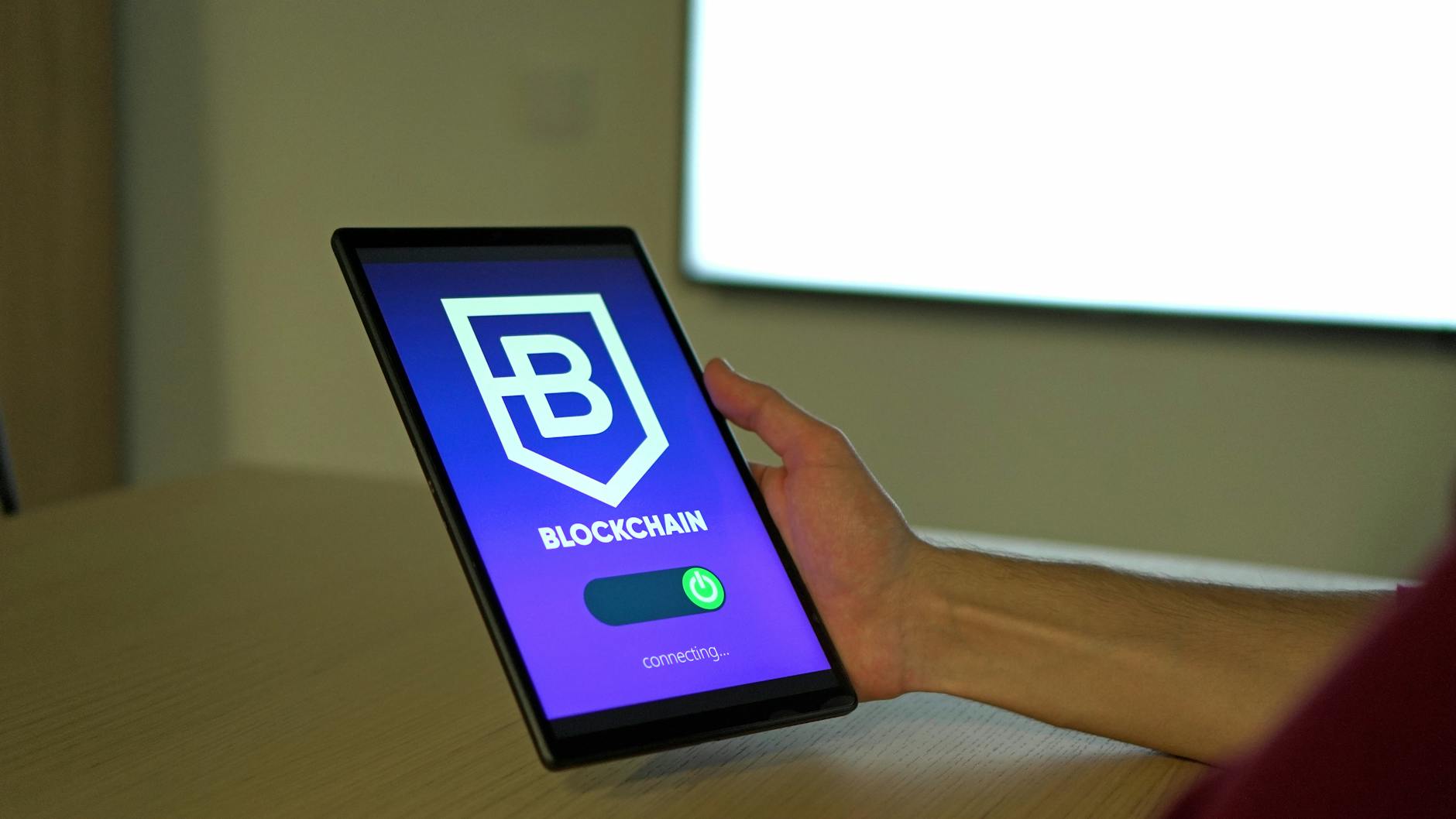
Lace is a light wallet platform. It lets you use wallet features without syncing a full copy of the blockchain, making it a straightforward place to begin exploring.
Read the official FAQA simple start
Follow the official route from download to setup, and keep your recovery details private from the start.
Use the official website to reach Lace resources and browser store listings.
The Lace browser extension is listed for Chrome and Firefox through their official stores.
Create a wallet or follow Lace’s official instructions to restore one you already own.


A note on staying safe
Your recovery phrase can unlock your wallet. Keep it private, store it carefully, and never enter it on a site or share it with someone who contacts you.
Check the source. Lace says its browser extension is available through the Chrome Web Store and Firefox Add-ons. Begin at lace.io to find official links.
Quick answers
Lace is a browser wallet and light wallet platform for exploring Web3. Its official site highlights access to Cardano, Bitcoin and Midnight.
Depending on the network and current feature support, Lace offers digital asset management, Cardano staking, NFT features and a DApp connector. See the official features page for the latest details.
Start from lace.io and follow its links to the official browser store listing. Avoid search ads, unsolicited messages and third-party download mirrors.
No. Keep it private and only follow recovery steps from Lace’s official guidance. A legitimate support person should not ask you to send it to them.
Your next step
